
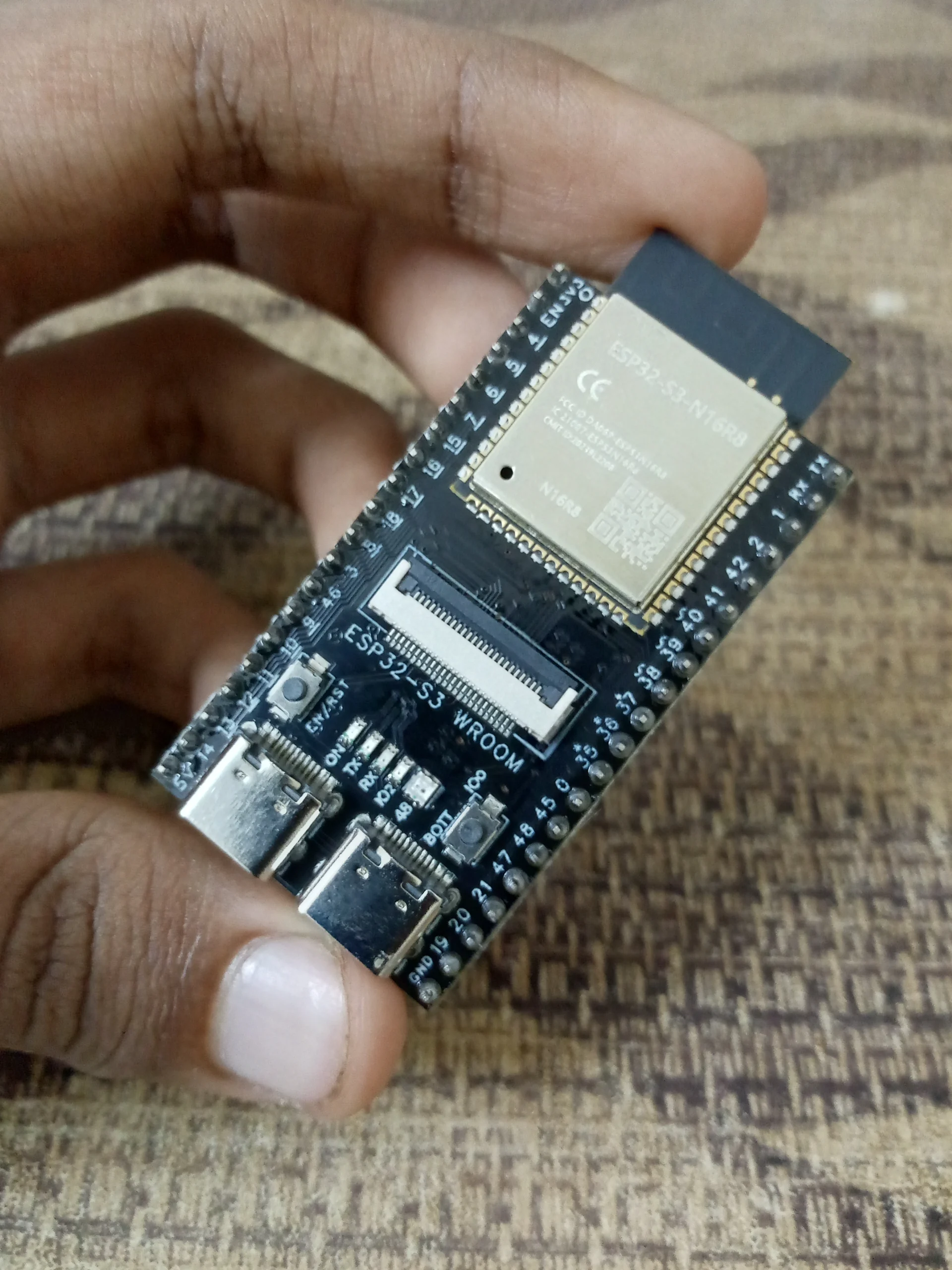
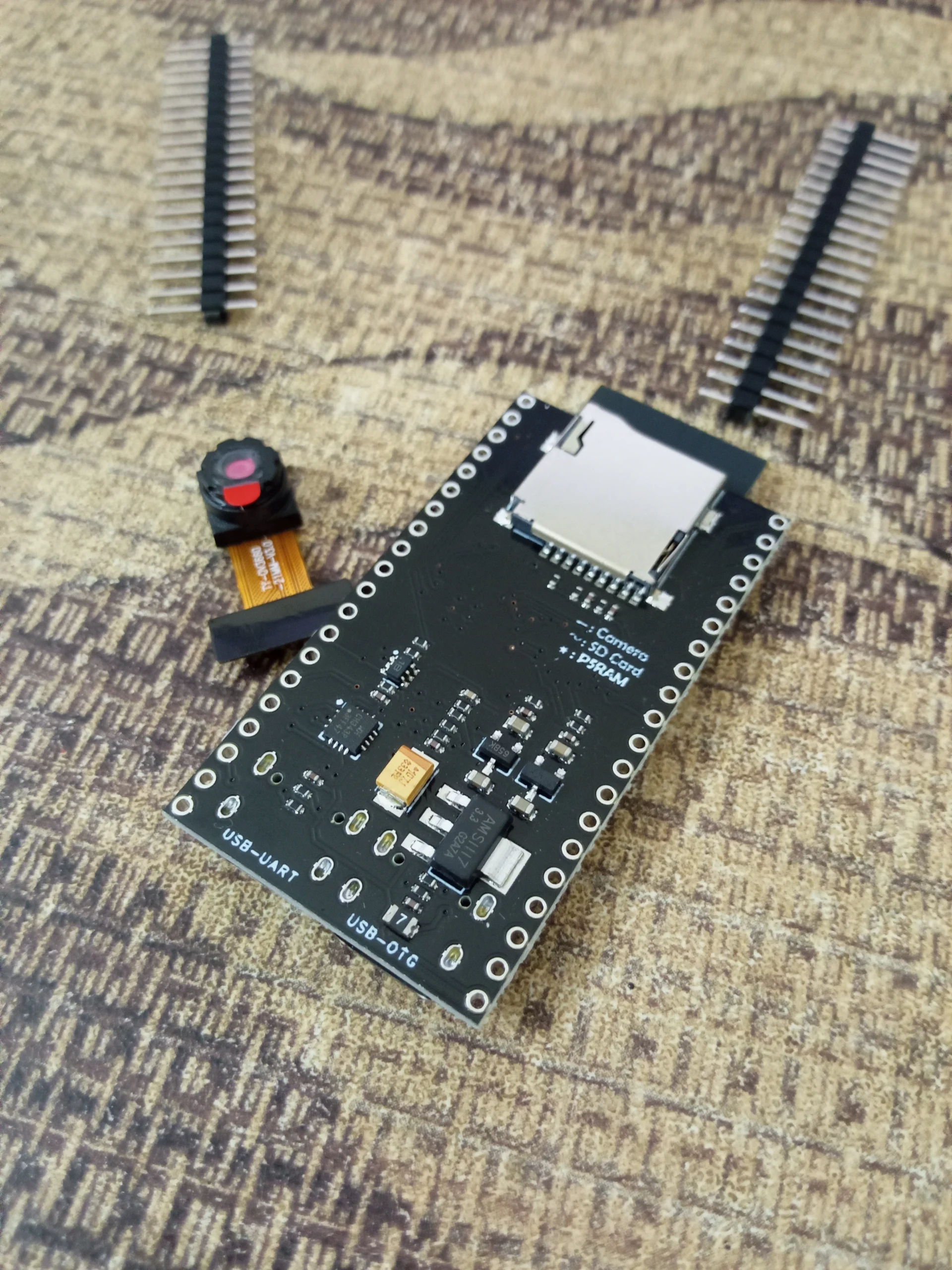
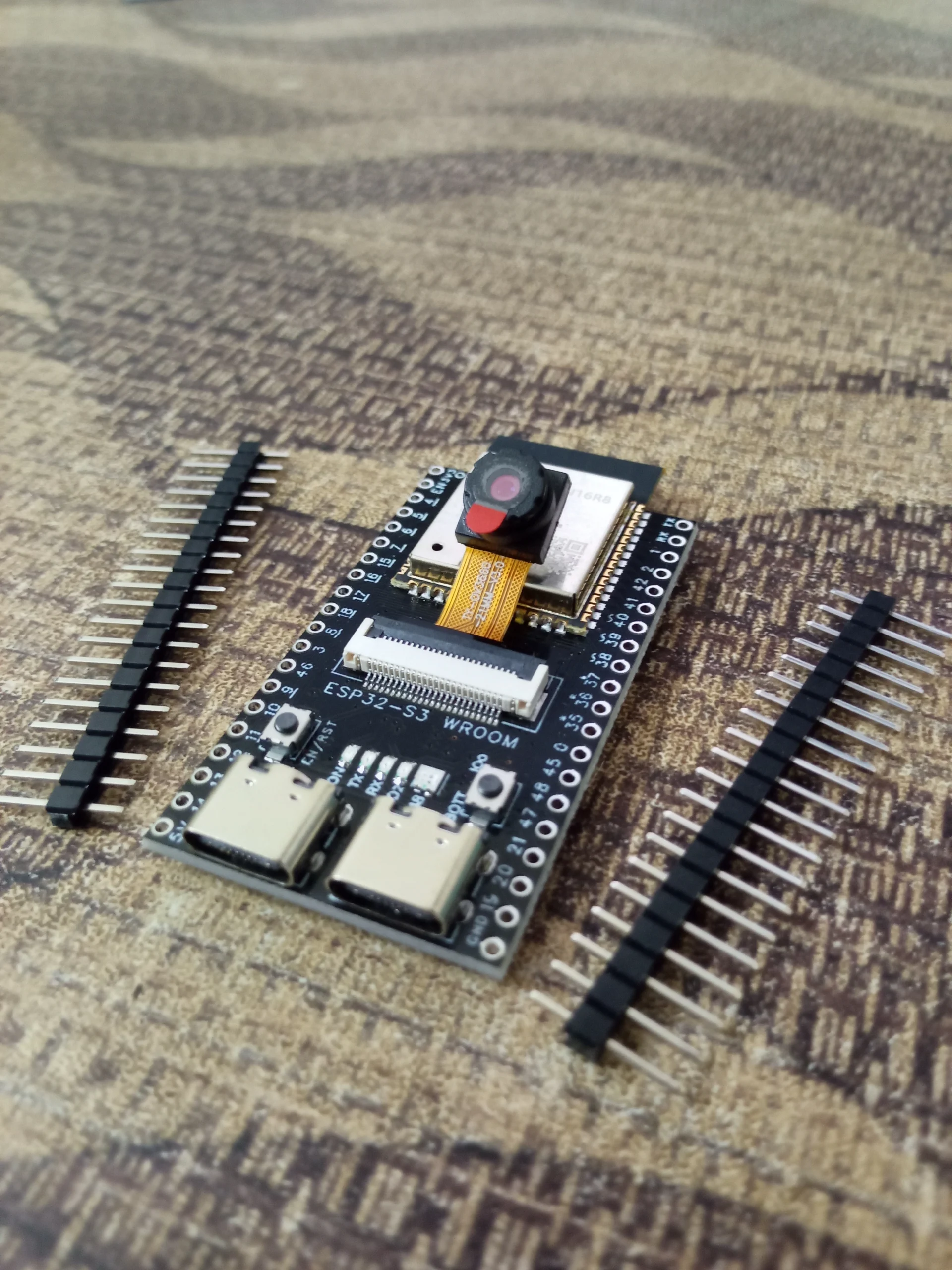
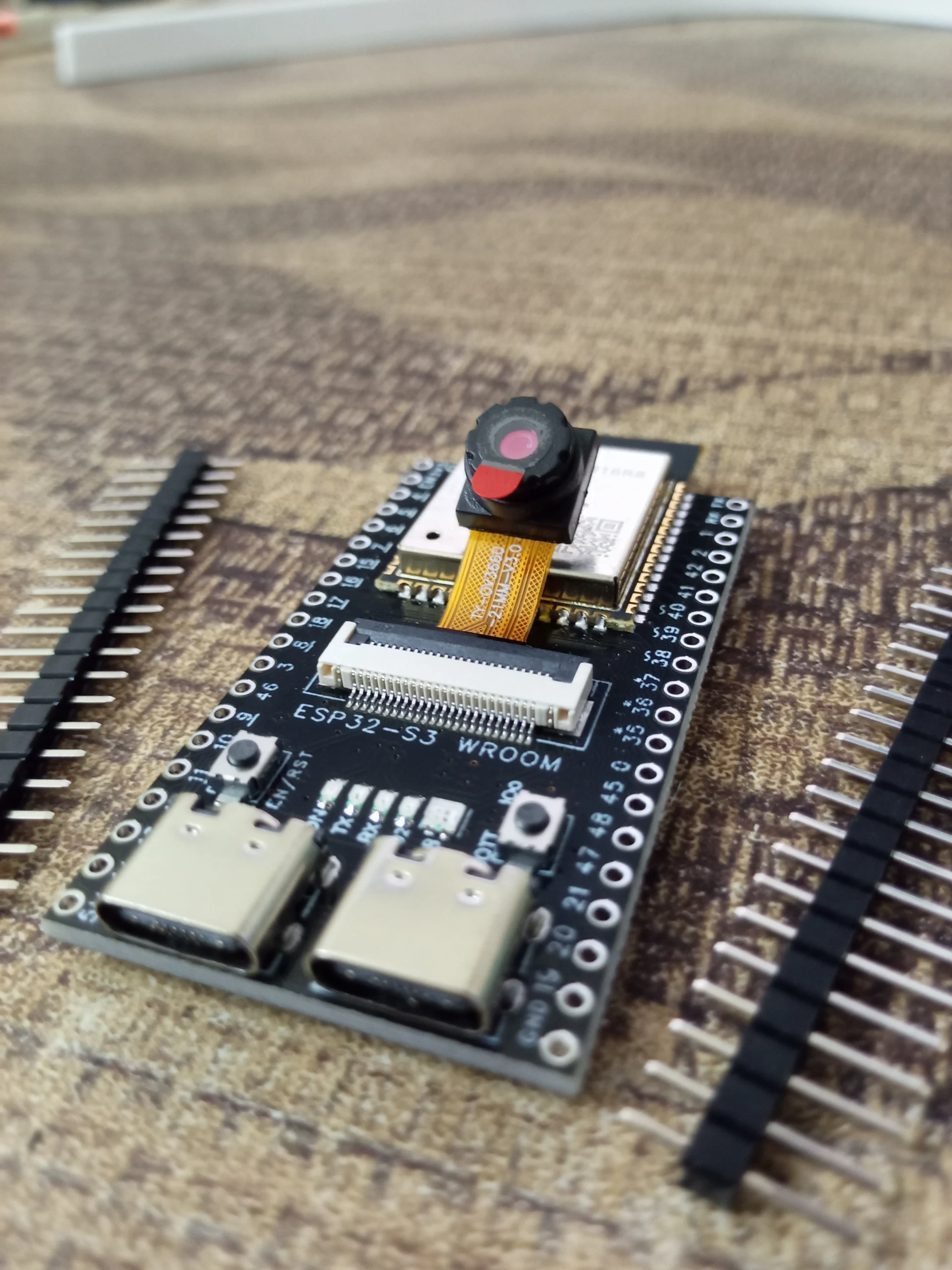
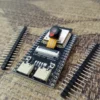
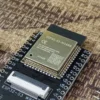
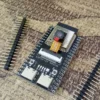
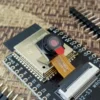
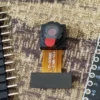
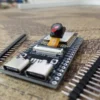
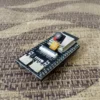
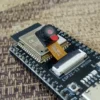
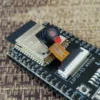
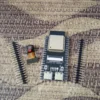
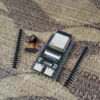
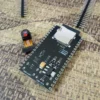
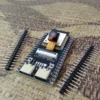
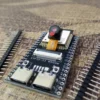

Description
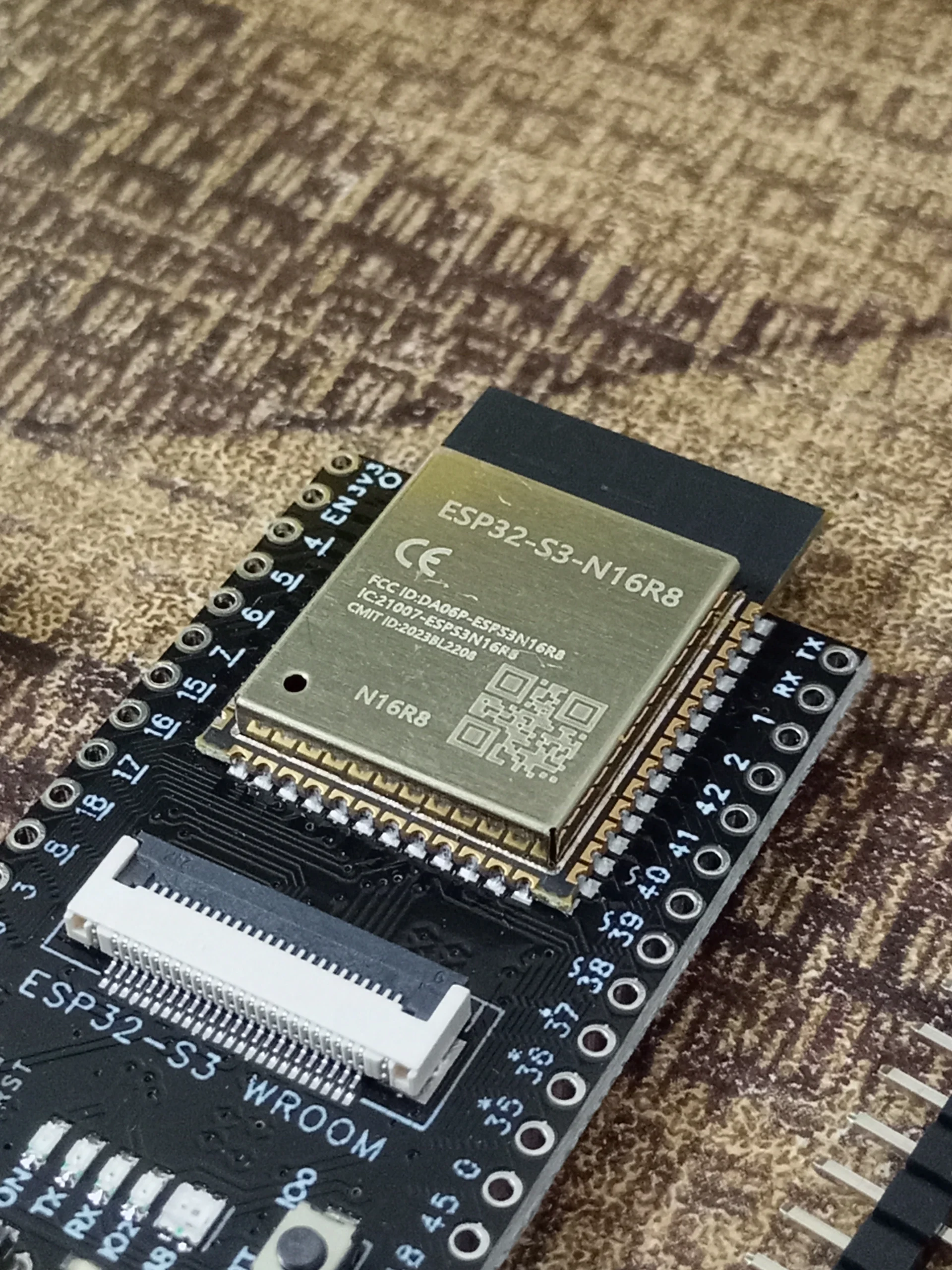
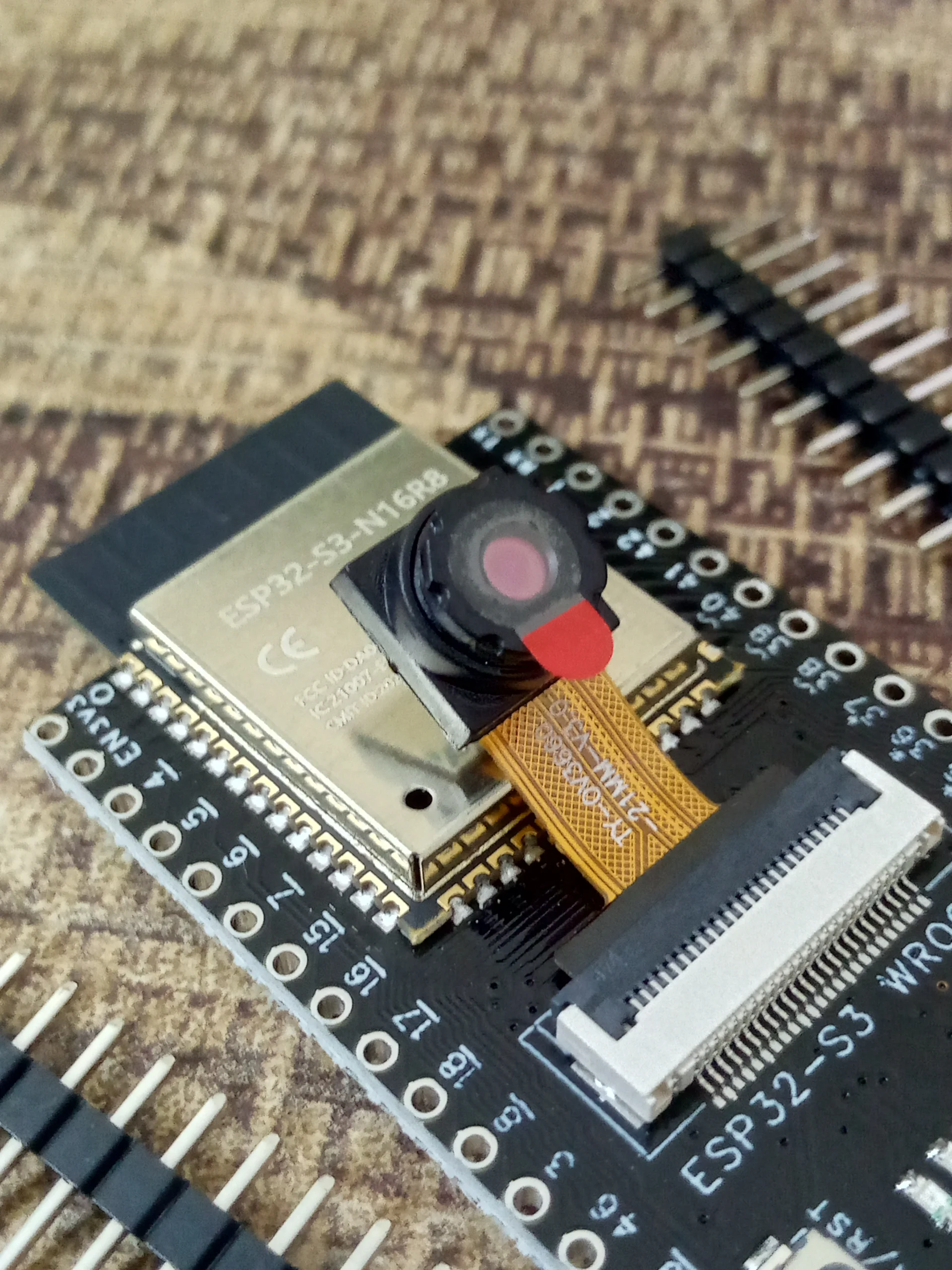
ESP32-S3 N16R8
8MB PSRAM
AI FACE DETECTION
NATIVE USB OTG
WiFi + BLE 5.0
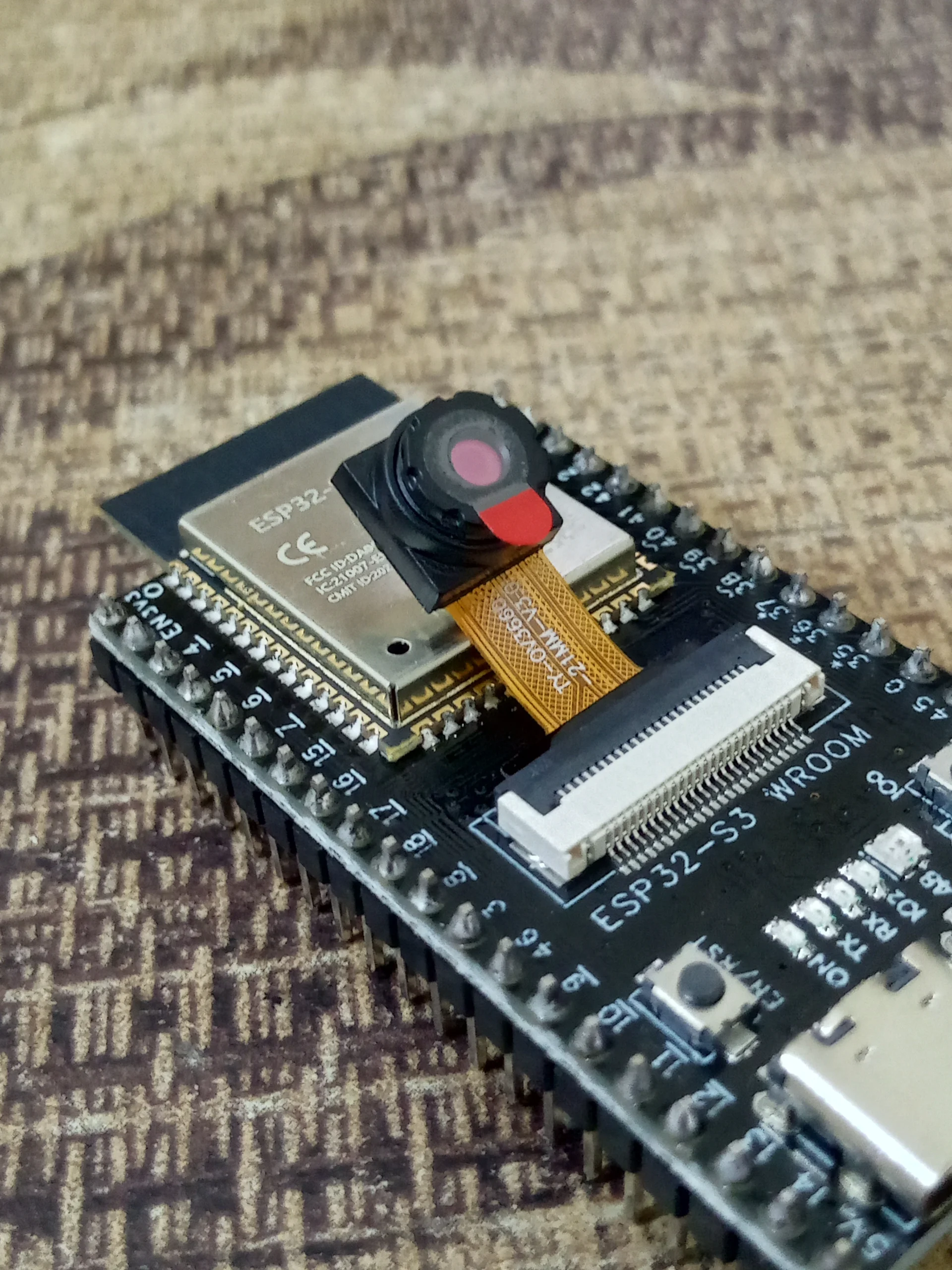
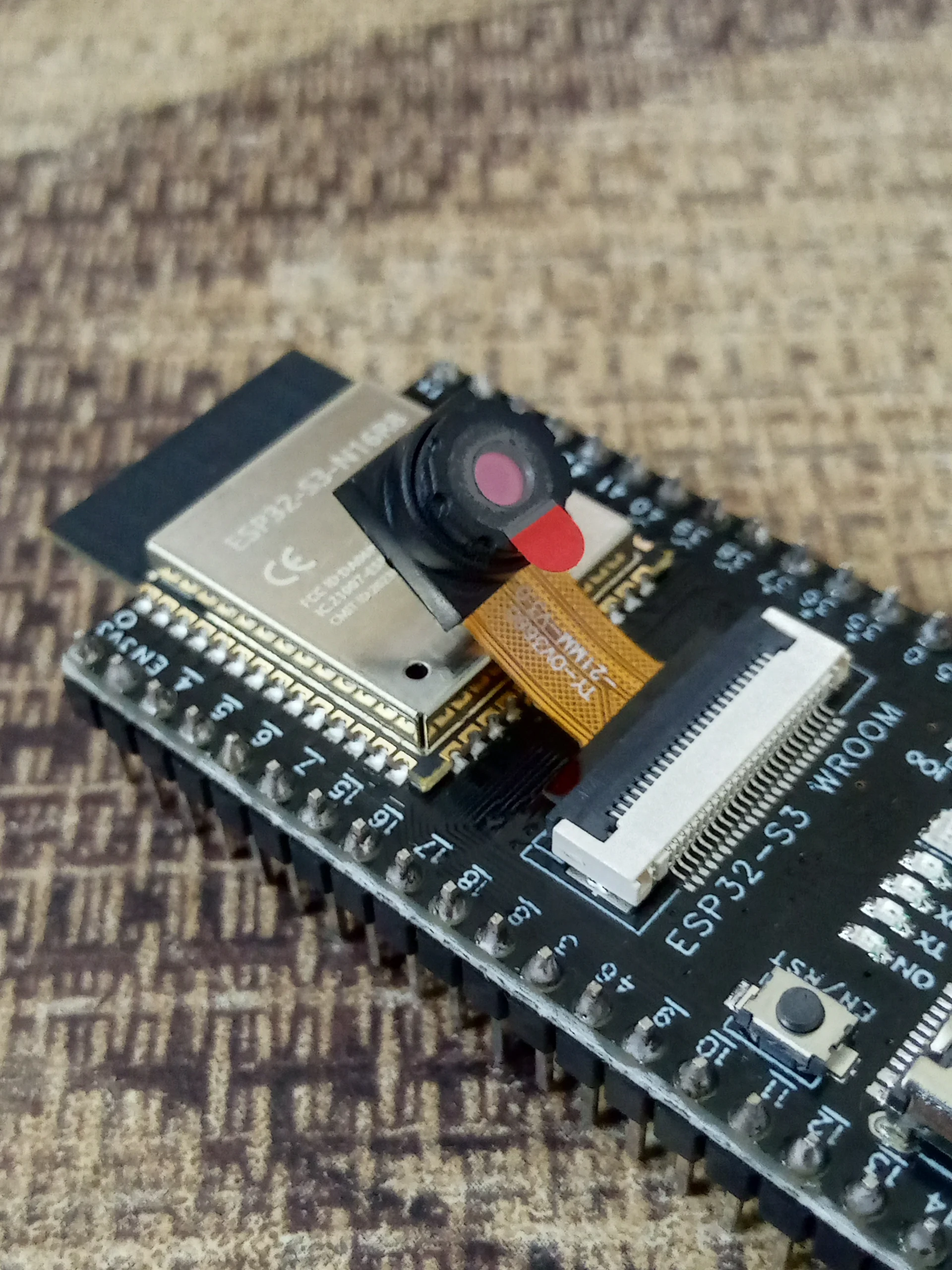
ESP32-S3 CAM Module OV3660 — AI Camera
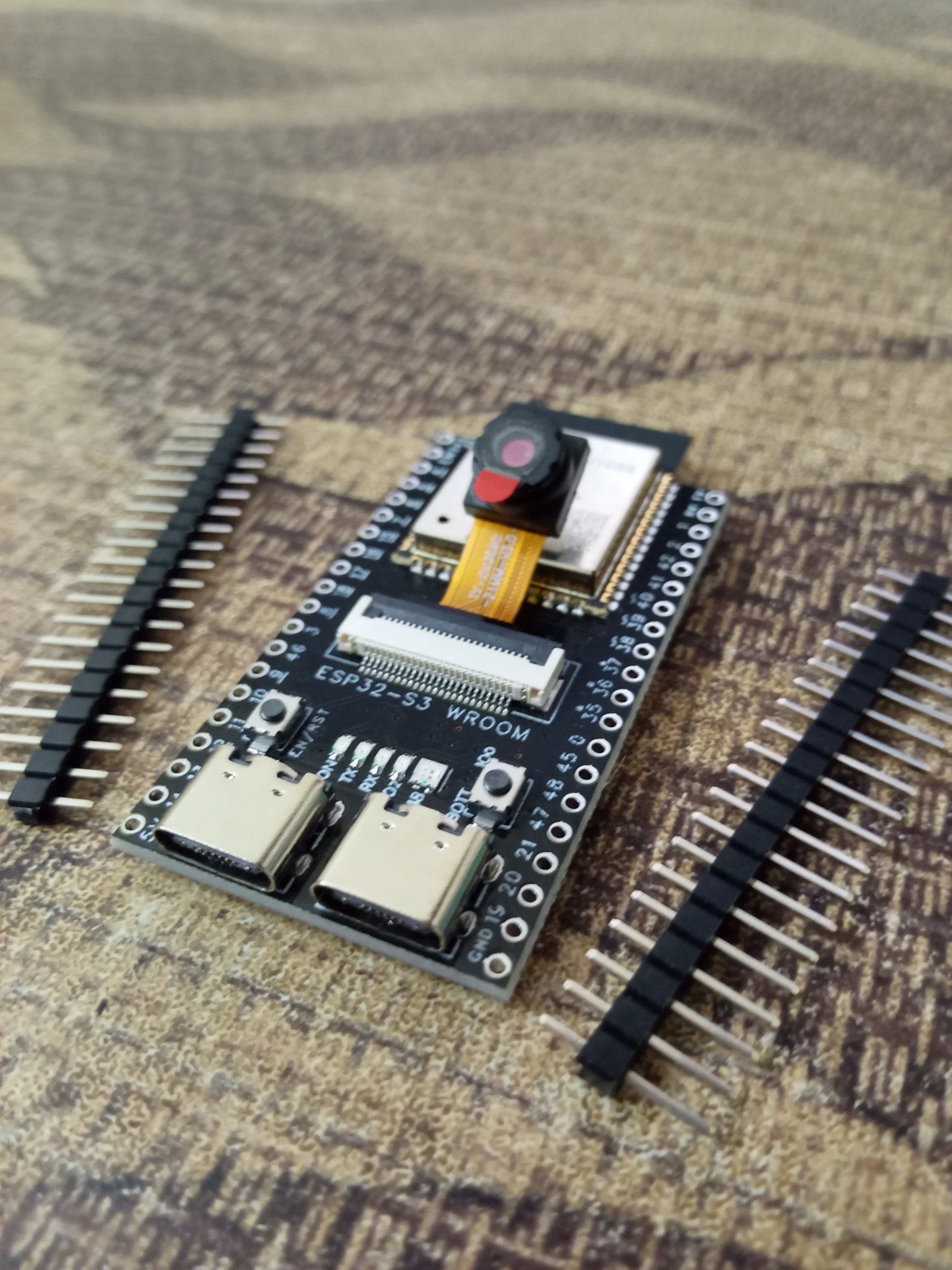
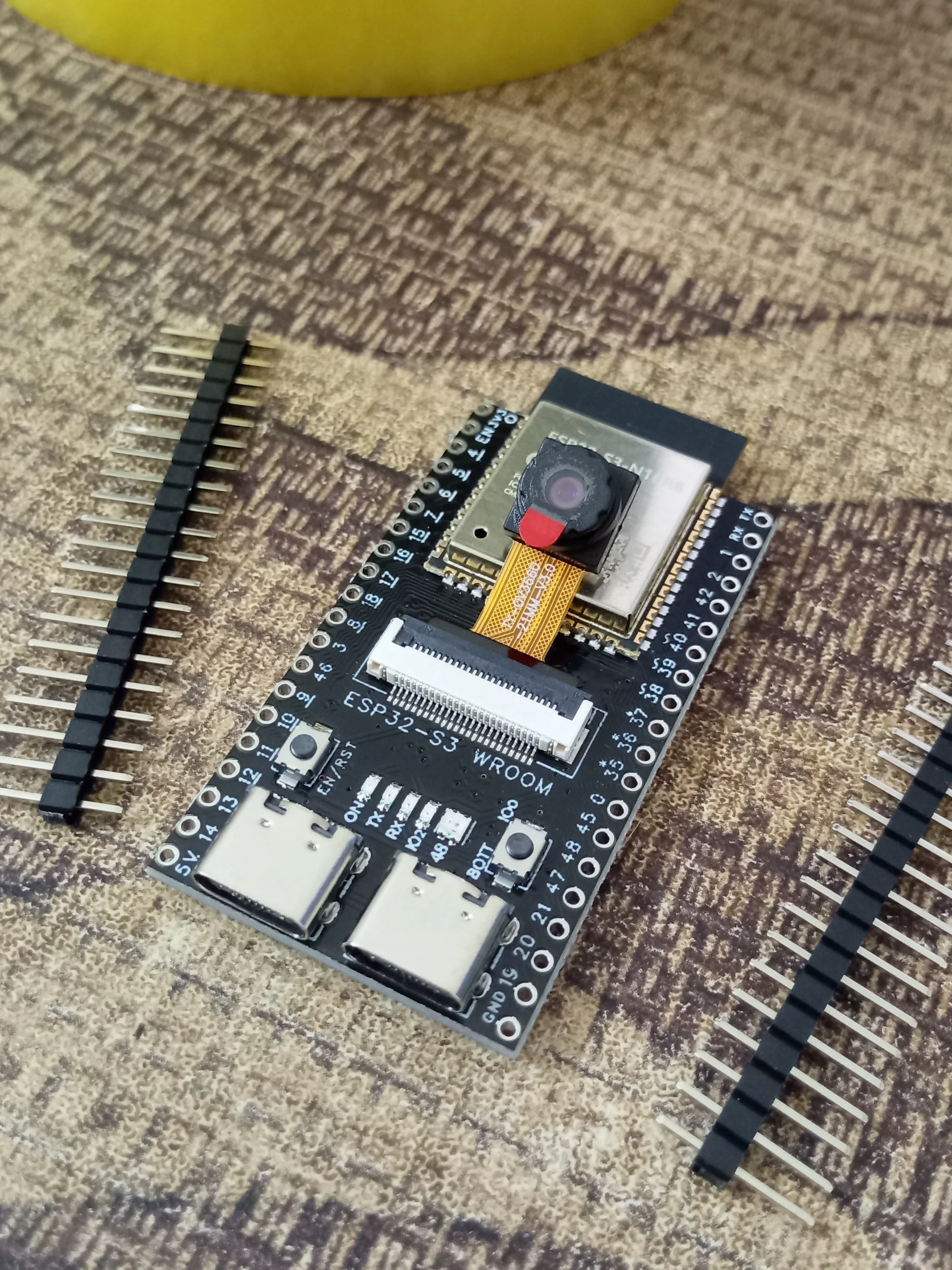
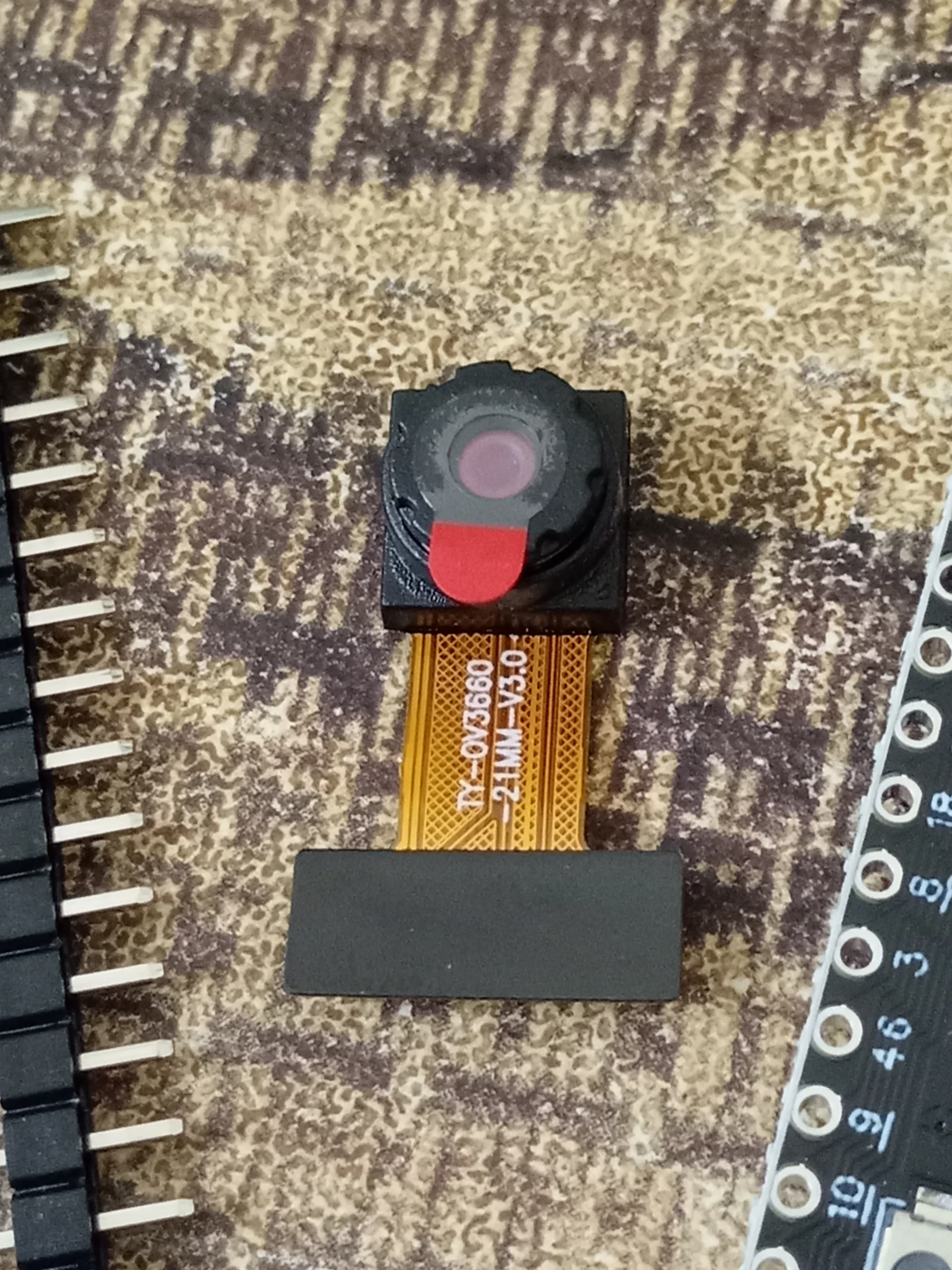
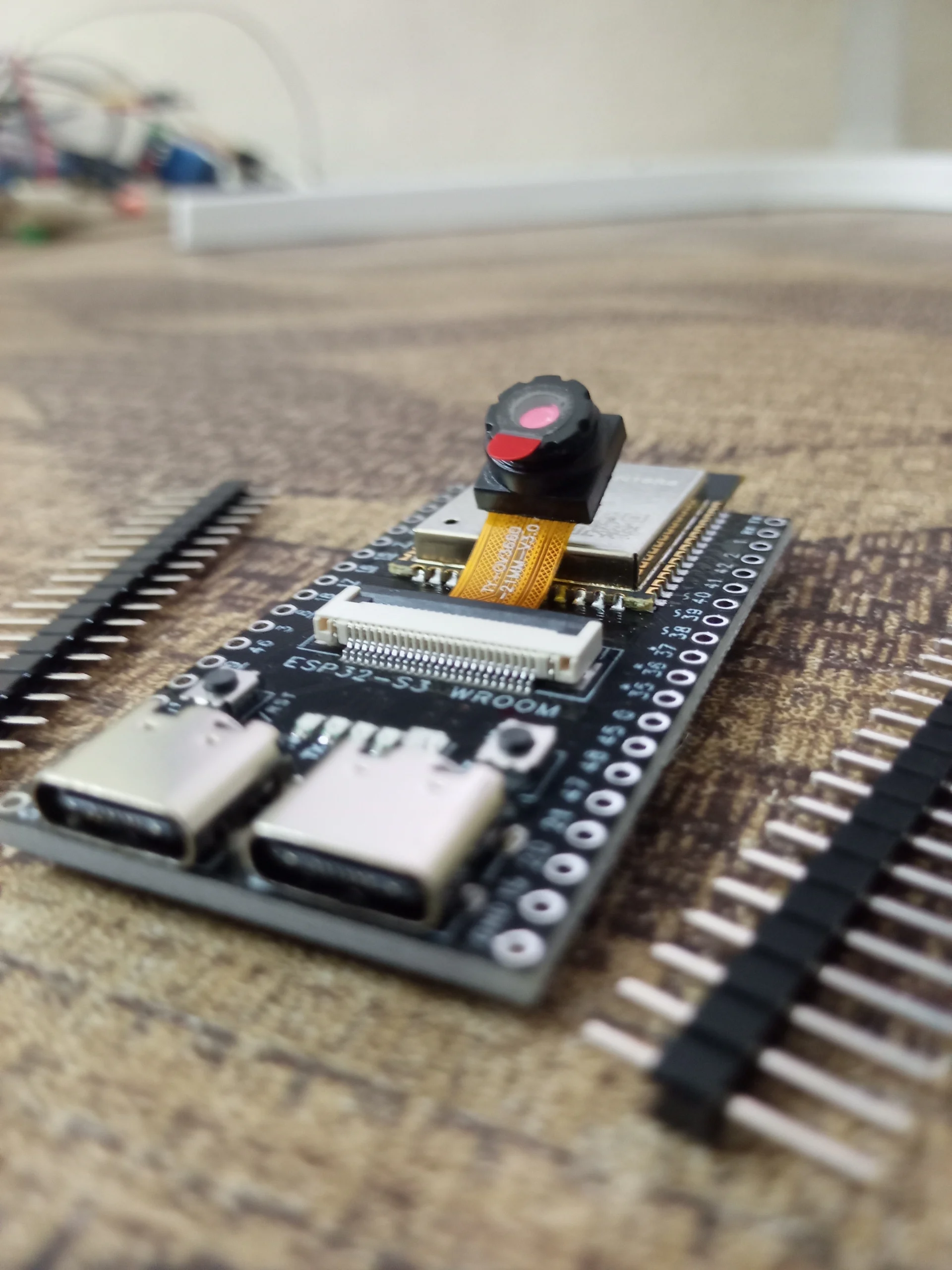
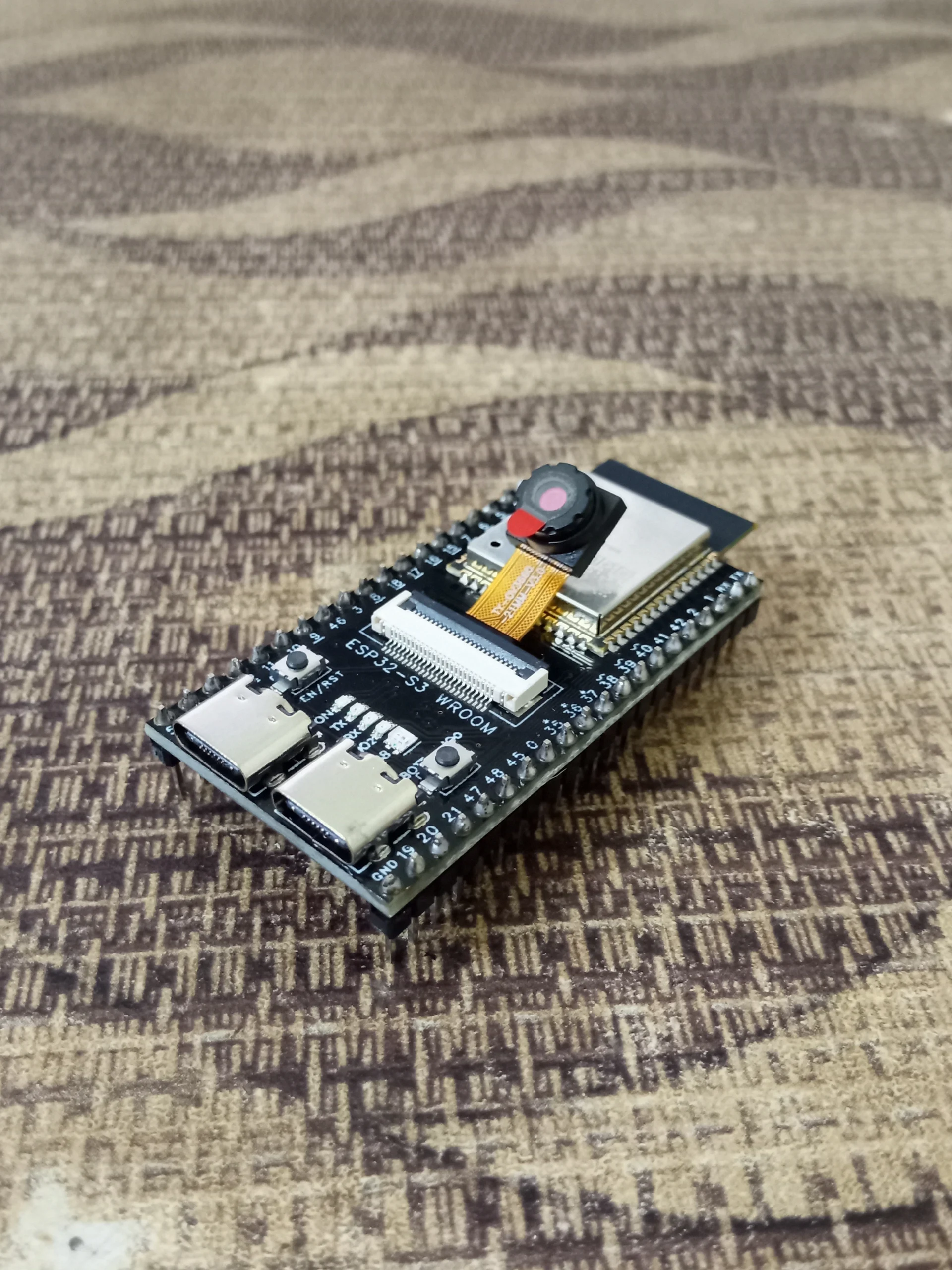
The most capable camera development board available in Bangladesh — combining the ESP32-S3 N16R8 processor (LX7 dual-core 240MHz, 16MB Flash, 8MB PSRAM) with the OV3660 3MP camera sensor for real-time face detection, WiFi video streaming, and TinyML vision projects. No external processor needed.
CPU
240MHz
LX7 Dual-Core
FLASH
16MB
NOR Storage
PSRAM
8MB
OPI PSRAM
CAMERA
OV
3660
3MP Sensor
WIRELESS
WiFi +
BLE 5
2.4GHz
USB
Native
OTG
No driver
The ESP32-S3 CAM Module with OV3660 is the most powerful camera development board available in Bangladesh — combining Espressif’s flagship ESP32-S3 N16R8 processor (Xtensa LX7 dual-core at 240MHz with AI vector instructions) with the superior OV3660 3MP camera sensor that delivers sharper images, better low-light performance, and higher frame rates than the older OV2640 found on classic ESP32-CAM boards. The 8MB OPI PSRAM enables large frame buffers for smooth video streaming and simultaneous AI inference — tasks that are impossible on boards without PSRAM.
Run real-time face detection, face recognition, object classification, and WiFi live video streaming — all without any external processor or cloud dependency. With Native USB OTG (no driver needed on Windows 10/11, macOS, Linux) and 16MB Flash for large AI model storage, this board is the definitive choice for AI vision projects in Bangladesh. Available from Dream RC at 1549 BDT with Cash on Delivery nationwide.
🎬 ESP32-S3 CAM OV3660 — Watch Before You Build
Watch this complete guide — OV3660 vs OV2640 comparison, WiFi video stream setup, face detection demo, Arduino IDE configuration, and real project builds.

⚠️ Video Will Be Come Soon.
Complete product guide for the ESP32-S3 CAM Module with OV3660 Camera at 1549 BDT from Dream RC Bangladesh. This page covers OV3660 vs OV2640 camera comparison, ESP32-S3 vs classic ESP32-CAM differences, 8MB PSRAM role in video streaming, AI face detection setup with ESP-WHO, Arduino IDE configuration (OPI PSRAM, USB CDC, 16MB Flash partition), live video stream code, troubleshooting, and compatible modules. Whether searching for ESP32-S3 CAM price in Bangladesh, OV3660 tutorial, or WiFi camera setup guide — this page covers everything.
📑 Table of Contents
- Quick Specs
- Official Resources
- OV3660 Camera Deep Dive
- ESP32-S3 CAM vs ESP32-CAM
- ESP32-S3 Processor Deep Dive
- 8MB PSRAM — Why It Matters
- AI Vision — Face Detection
- Key Features
- WiFi + BLE 5.0
- Native USB OTG — No Driver
- Pinout Diagram
- What You Can Build
- Who Should Buy?
- Camera Board Comparison Table
- Full Specifications
- Arduino IDE Settings
- Code Examples + Downloads
- Troubleshooting
- FAQ
- Blog Posts
- Compatible Products
- Price in BD
⚡ Quick Specs
240MHz
LX7 DUAL-CORE
16MB
FLASH
8MB
OPI PSRAM
OV
3660
3MP CAMERA
BLE
5.0
+ WiFi
Native
USB
NO DRIVER
📚 Official Resources
📖 ESP32-S3 Datasheet PDFFull chip datasheet — registers, peripherals, electrical specs
🤖 ESP-WHO Framework (GitHub)Official Espressif face detection + recognition framework for ESP32-S3
📷 ESP32 Camera Arduino ExamplesCameraWebServer and other official camera examples for Arduino IDE
⚡ Arduino-ESP32 Getting StartedOfficial guide to installing ESP32 board package in Arduino IDE
📷 ESP32 Camera Driver (GitHub)Low-level camera driver supporting OV3660, OV2640, OV5640 and more
📷 OV3660 Camera Sensor — Deep Dive
The OV3660 is an OmniVision 3-megapixel CMOS image sensor that represents a significant leap over the OV2640 used in classic ESP32-CAM boards. Here is what makes it better in practice:
📷
3MP Resolution — Up to 2048×1536
Supports QXGA (2048×1536) for still image capture, UXGA (1600×1200) for high-quality stills, SXGA (1280×1024), XGA (1024×768), SVGA (800×600) and VGA (640×480) for smooth 30fps streaming.
Use VGA for streaming, UXGA for photo capture
🌞
Better Low-Light Performance
OV3660 has a larger pixel size compared to OV2640, capturing more light per pixel. This means less noise and more usable images in dim indoor environments — critical for indoor security cameras and baby monitors.
Pair with the onboard LED flash for complete darkness
🌟
Superior Colour Accuracy
OV3660 features an improved ISP (Image Signal Processor) with better auto white balance and colour reproduction. Face detection and recognition models achieve higher accuracy because faces are rendered with correct skin tones.
Better colour = better AI model accuracy
⏳
30fps at VGA / SVGA
Achieves smooth 30fps at VGA (640×480) and SVGA (800×600) resolutions, enabling fluid live video streaming with the ESP32-S3. The 8MB PSRAM provides enough buffer for multiple frames simultaneously.
Use double-buffering in PSRAM for smoothest stream
| Resolution | Name | Pixels | Best Use |
|---|---|---|---|
| VGA | 640×480 | 30fps | Smooth WiFi streaming, face detection, real-time video |
| SVGA | 800×600 | 25fps | Quality streaming, facial recognition, better detail |
| XGA | 1024×768 | 10fps | High-quality snapshot streaming, surveillance detail |
| UXGA | 1600×1200 | 5fps | Still image capture, document scanning, high-detail photos |
| QXGA | 2048×1536 | 1–2fps | Maximum resolution still capture, archival photography |
📐 ESP32-S3 CAM vs Classic ESP32-CAM — Full Comparison
Both are WiFi camera boards but they are very different in capability. Here is why the ESP32-S3 CAM is a significant upgrade:
| Feature | THIS BOARD ESP32-S3 CAM (OV3660) | OLDER VERSION Classic ESP32-CAM (OV2640) |
|---|---|---|
| CPU | LX7 Dual-Core 240MHz | LX6 Dual-Core 240MHz |
| Camera | OV3660 — 3MP | OV2640 — 2MP |
| PSRAM | 8MB OPI PSRAM | 4MB PSRAM (older) or 8MB |
| Flash | 16MB | 4MB or 8MB |
| AI Vector | ✓ PIE Instructions | ✗ None |
| Bluetooth | BLE 5.0 | Classic BT + BLE 4.2 |
| Native USB | ✓ OTG — No driver | ✗ External USB chip |
| Face Detection | ✓ Hardware accelerated | ⚠ Software only (slow) |
| Price BD | 1549 BDT | View at Dream RC |
🧠 ESP32-S3 Processor — LX7 Deep Dive
⚙️
Xtensa LX7 Dual-Core 240MHz
LX7 is 40% faster per clock than the LX6 in classic ESP32. One core handles WiFi/camera, the second handles AI inference simultaneously. No lag or frame drops during face detection.
LX7 vs LX6: 40% faster IPC, better power efficiency
🤖
AI Vector Instructions (PIE)
Espressif’s Processor Instruction Extensions (PIE) accelerate 8-bit vector operations used in neural networks. Face detection runs 2–5× faster than on classic ESP32, enabling real-time results at 10+ FPS.
Use ESP-WHO + ESP-DL frameworks to access PIE
💾
16MB Flash + 8MB OPI PSRAM
16MB Flash stores large AI models, web UI assets, and complex firmware. 8MB PSRAM via high-speed Octal SPI bus holds multiple camera frame buffers simultaneously — essential for smooth streaming.
Must set PSRAM to OPI PSRAM in Arduino IDE Tools
🔌
Native USB OTG on GPIO 19/20
Full-speed USB OTG built into the chip on GPIO 19 (D−) and GPIO 20 (D+). Acts as USB serial (CDC) for programming and Serial Monitor with no external chip. Can also act as USB mass storage or HID device.
Set USB CDC On Boot: Enabled for Serial.print() to work
💾 8MB PSRAM — Why It Makes Camera Work
Without PSRAM, camera projects are nearly impossible. Here is exactly what 8MB PSRAM enables:
📸 Frame Buffers
A single VGA frame (640×480 JPEG) needs ~50–100KB. Storing 2–4 frames simultaneously enables smooth streaming without dropped frames. PSRAM provides this buffer space that internal SRAM (512KB) simply cannot.
Result: smooth 30fps WiFi video stream
🤖 AI Model Storage
Face detection models (FaceNet, etc.) typically need 200–500KB of RAM at inference time. Without PSRAM these models simply will not fit. With 8MB PSRAM the ESP32-S3 can load and run multiple models simultaneously.
Result: real-time face detection at 10+ FPS
📷 High-Resolution Capture
UXGA (1600×1200) raw frame needs approximately 2MB. This fits only in PSRAM. Without it you are limited to VGA resolution for captures. With 8MB PSRAM you can capture full 3MP still images and save to SD card.
Result: 3MP photo capture to SD card
ps_malloc() instead of malloc() to allocate memory in PSRAM. The camera library automatically uses PSRAM for frame buffers when you set config.fb_location = CAMERA_FB_IN_PSRAM.🤖 AI Vision — Face Detection & Recognition
The ESP32-S3 with OV3660 is the most capable standalone AI vision board available for this price point. Here is what you can run entirely on-device:
👤 Face Detection (ESP-WHO)
Detect human faces in the camera frame in real time using Espressif’s ESP-WHO framework. Draws bounding boxes around detected faces. Runs at 10+ FPS at QVGA (320×240) on ESP32-S3 PIE hardware. Use case: detect when someone approaches a door, trigger alerts, count people in a room.
Library: github.com/espressif/esp-who | Works in Arduino + ESP-IDF
🔐 Face Recognition (Enroll + Match)
Enroll up to 7 faces in flash memory. On detection, compare live face to enrolled faces and unlock a relay or display name on screen. Full attendance system or door access control with no cloud service, no monthly fee, and no internet connection required.
Use case: WiFi door lock that opens only for registered faces
🏛 Object Detection (TinyML / ESP-DL)
Run custom trained TensorFlow Lite models converted to ESP-DL format. Detect cats, cars, packages, or any custom object class. Deploy models trained in Google Colab directly to the board over USB. The 16MB Flash stores models up to ~3MB.
Tool: ESP-DL framework for quantised model deployment
📤 Motion Detection + Alert
Compare consecutive frames in PSRAM to detect pixel changes. When motion exceeds a threshold, send a Telegram message, trigger a relay, flash an LED, save a snapshot to SD card, or send an HTTP POST to your home automation server — all using the onboard WiFi.
Use case: security camera that sends Telegram photo on motion
⭐ Key Features
OV3660 — 3MP Camera
Better image quality, low-light performance, and colour accuracy than OV2640
AI Vector Instructions
PIE hardware acceleration for 2–5× faster face detection vs classic ESP32
8MB OPI PSRAM
Multiple frame buffers for smooth streaming + AI model storage in RAM
16MB Flash Storage
Store large AI models, web UI files, and complex firmware applications
WiFi 4 + BLE 5.0
Stream video over WiFi while simultaneously sending BLE notifications to phone
Native USB OTG
No driver on Win10/11, macOS, Linux. Also acts as USB mass storage or HID
LED Flash
Onboard LED flash for low-light capture — controllable via GPIO
MicroSD Card Slot
Save photos and video clips to SD card using SD_MMC library — use Class 10
📶 WiFi 4 + BLE 5.0 — Dual Wireless
📶 WiFi 4 (802.11 b/g/n 2.4GHz)
🔌 BLE 5.0
🔌 Native USB OTG — No Driver Needed
The ESP32-S3 has built-in USB OTG on GPIO 19/20. Unlike classic ESP32-CAM boards that require an external CH340 chip and driver, this board uses native USB CDC class — recognised automatically by every modern OS:
📼
Windows 10/11
No driver — appears as COM port instantly
🍎
macOS
No driver — /dev/cu.usbmodem port
🐧
Linux
No driver — /dev/ttyACM0 port
🔋 USB Mass Storage — mount SD card contents directly on PC as a drive
🔋 USB HID — appear as keyboard or mouse
🔋 USB MIDI — send MIDI data to music software
Set USB CDC On Boot: Enabled in Arduino IDE Tools menu for Serial.print() to work during development.
📍 Pinout Diagram

ESP32-S3 CAM OV3660 Pinout — Dream RC Bangladesh
| GPIO / Pin | Function | Notes |
|---|---|---|
| 19, 20 | USB OTG D− / D+ | Native USB — do NOT use as GPIO when USB is active |
| 48 | ARGB LED / Flash | Onboard LED flash — control brightness via GPIO 48 |
| Camera pins | XCLK, PCLK, VSYNC, HREF, D0–D7, SIOD, SIOC | Reserved for camera — defined in camera_config struct. Do not reuse. |
| 0 | BOOT button / GPIO | Hold LOW during power-on to enter download mode. Usable as input after boot. |
| SD Card pins | SD_MMC CLK/CMD/D0 | Reserved when SD card slot in use. Shared with some camera data pins on some boards. |
| Free GPIO | Board dependent | Check your specific board schematic for free GPIO pins not used by camera, USB, LED, or SD card. |
🚀 What You Can Build
WiFi Security Camera
Point the OV3660 at your door, gate, or room. Connect to home WiFi. Access a live MJPEG stream from any browser on your network using the CameraWebServer example. Add motion detection to send a Telegram photo alert whenever something moves. Why this board: 8MB PSRAM enables buffer for smooth 30fps stream even when WiFi is active.
Project: door camera that sends Telegram photo on motion detection
Face Recognition Attendance System
Enroll employee or student faces. When a registered face is detected, log timestamp to SD card and display name on a connected OLED display. Trigger a relay to open a door or turnstile. Why this board: PIE AI vector instructions run FaceNet model 2–5× faster than classic ESP32, enabling real-time recognition without cloud API.
Project: offline face recognition door lock with SD card log
Wildlife / Trail Camera
Use PIR sensor to wake from deep sleep on motion, capture 3MP still image with OV3660, save to SD card with timestamp, then return to deep sleep for long battery life. Solar panel charges a LiPo battery. Review images over WiFi connection. Why this board: 16MB Flash stores hundreds of captures. Deep sleep at ~10µA extends battery for weeks.
Project: solar-powered trail camera saving 3MP photos to SD card
Object Detection Robot
Mount the camera on a rover chassis. Run TinyML object detection on the ESP32-S3. When a specific object (colour, shape, or class) is detected in frame, send steering commands over BLE 5.0 to the motor controller. Why this board: Dual-core LX7 allows camera processing on Core 0 and motor control on Core 1 simultaneously.
Project: TinyML obstacle-avoiding robot with colour object tracking
Baby Monitor / Pet Camera
Place in a room with your baby or pet. Connect to home WiFi. View the OV3660 stream on phone browser from anywhere in the house. Add a sound sensor to auto-alert when crying is detected. LED flash for night view. Why this board: OV3660 better low-light image quality means clearer night image with minimal flash.
Project: WiFi baby monitor with sound alert and night LED
👤 Who Should Buy This?
🤖 AI/ML Enthusiasts
Explore face detection, object classification, and TinyML on embedded hardware. The PIE vector instructions and 8MB PSRAM make real AI inference possible at 1549 BDT.
🏠 Home Security Builders
Build a DIY WiFi security camera, doorbell camera, or motion-triggered alert system at a fraction of commercial smart camera cost.
📚 Engineering Students
Final year EEE/CSE projects on computer vision, smart surveillance, IoT systems, and embedded AI. The ESP32-S3 is the most capable board in this price range for thesis projects.
🔧 Advanced Makers
Already built with Arduino and ESP32? The S3 CAM is your next step — native USB, AI acceleration, and 3MP camera for serious vision projects.
⚔️ Camera Board Comparison
ESP32-S3 CAM vs other camera and development boards at Dream RC
| Feature | THIS BOARD S3 CAM OV3660 | OLDER CAM ESP32-CAM OV2640 | WiFi+BT ESP32 S3 N16R8 | LEARNING Arduino Uno R3 |
|---|---|---|---|---|
| Camera | OV3660 3MP | OV2640 2MP | ✗ No camera | ✗ No camera |
| CPU | LX7 240MHz | LX6 240MHz | LX7 240MHz | AVR 16MHz |
| PSRAM | 8MB OPI | 4–8MB | 8MB OPI | ✗ None |
| AI Vector | ✓ PIE | ✗ | ✓ PIE | ✗ |
| Native USB | ✓ OTG | ✗ CH340 | ✓ OTG | ATmega16U2 |
| Best For | AI cam + stream | Basic camera | IoT + AI (no cam) | Learning |
🔧 Full Specifications
⚙️ Arduino IDE Settings — Critical Configuration
💻 Code Examples — Copy-Paste + Free Downloads
Click Download .ino on any example. Open in Arduino IDE with Board set to ESP32S3 Dev Module and PSRAM set to OPI PSRAM.
🡲 Troubleshooting
❓ Frequently Asked Questions
📚 Blog Posts & Learning Resources
Step-by-step guides from Dream RC to help you build your first camera project:
ComparisonESP32-S3 CAM vs Classic ESP32-CAM — Full ComparisonOV3660 vs OV2640, LX7 vs LX6, PSRAM differences, and which board to choose for your project.
ProjectBuild a DIY WiFi Security CameraLive stream + motion detection + Telegram alert complete build guide with wiring and full code.
AI VisionESP32-S3 Face Detection with ESP-WHOSet up ESP-WHO framework, run real-time face detection on OV3660 camera, and display bounding boxes.
Data LoggingESP32-S3 CAM Photo Logger to SD CardCapture and save timestamped JPEG photos to SD card on motion or timer trigger.
TinyMLTinyML Object Detection on ESP32-S3Train a custom TensorFlow Lite model, convert to ESP-DL format, and deploy to ESP32-S3 CAM.
🔗 Compatible Products at Dream RC
Everything to build with your ESP32-S3 CAM — all available with Cash on Delivery across Bangladesh:
📌 Other ESP32 & Development Boards
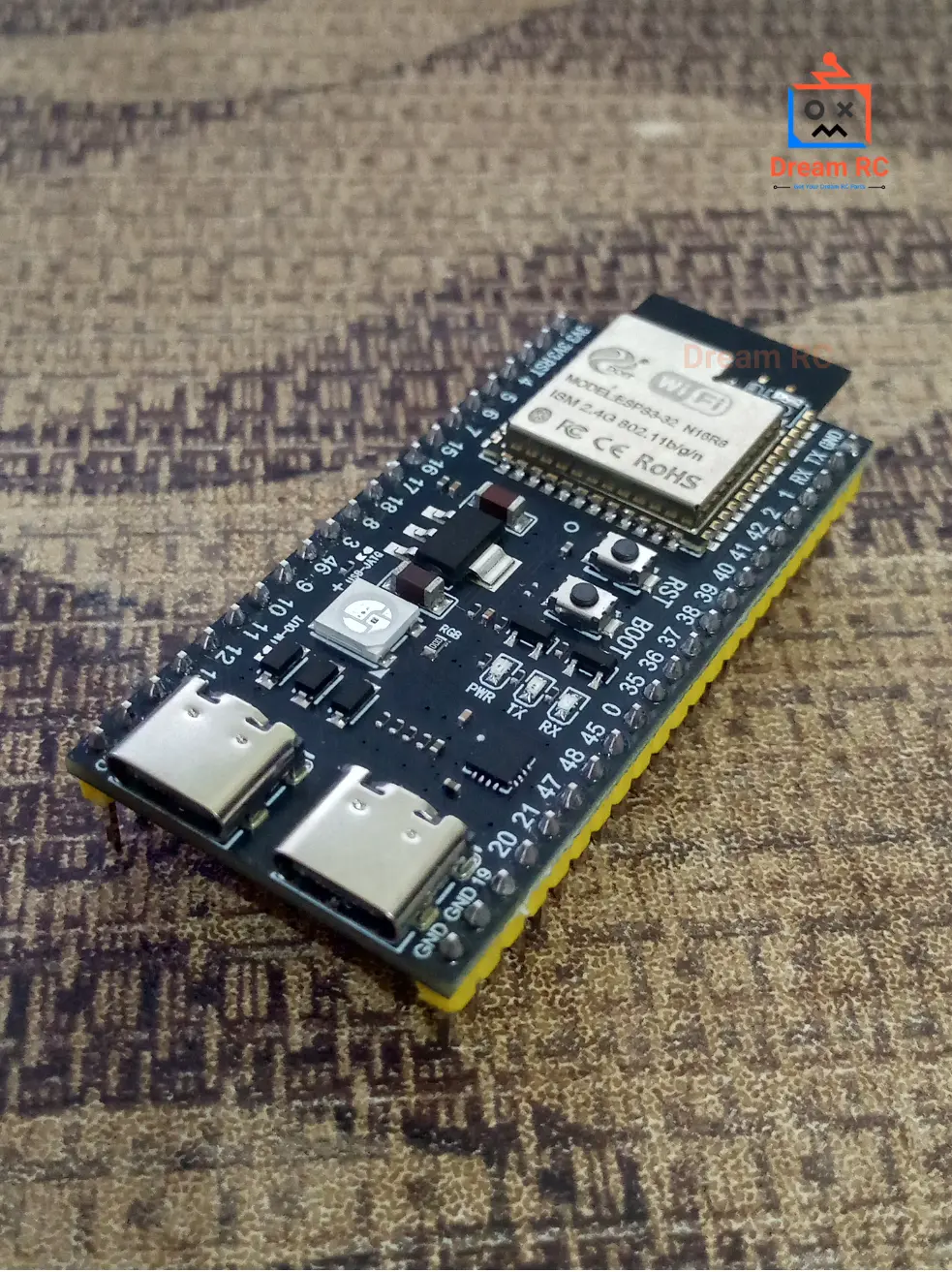
WITHOUT CAMERA
ESP32-S3 WROOM-1 N16R8
Same ESP32-S3 processor without camera — more free GPIO for sensors, displays, and custom peripherals. Use when camera is not needed.
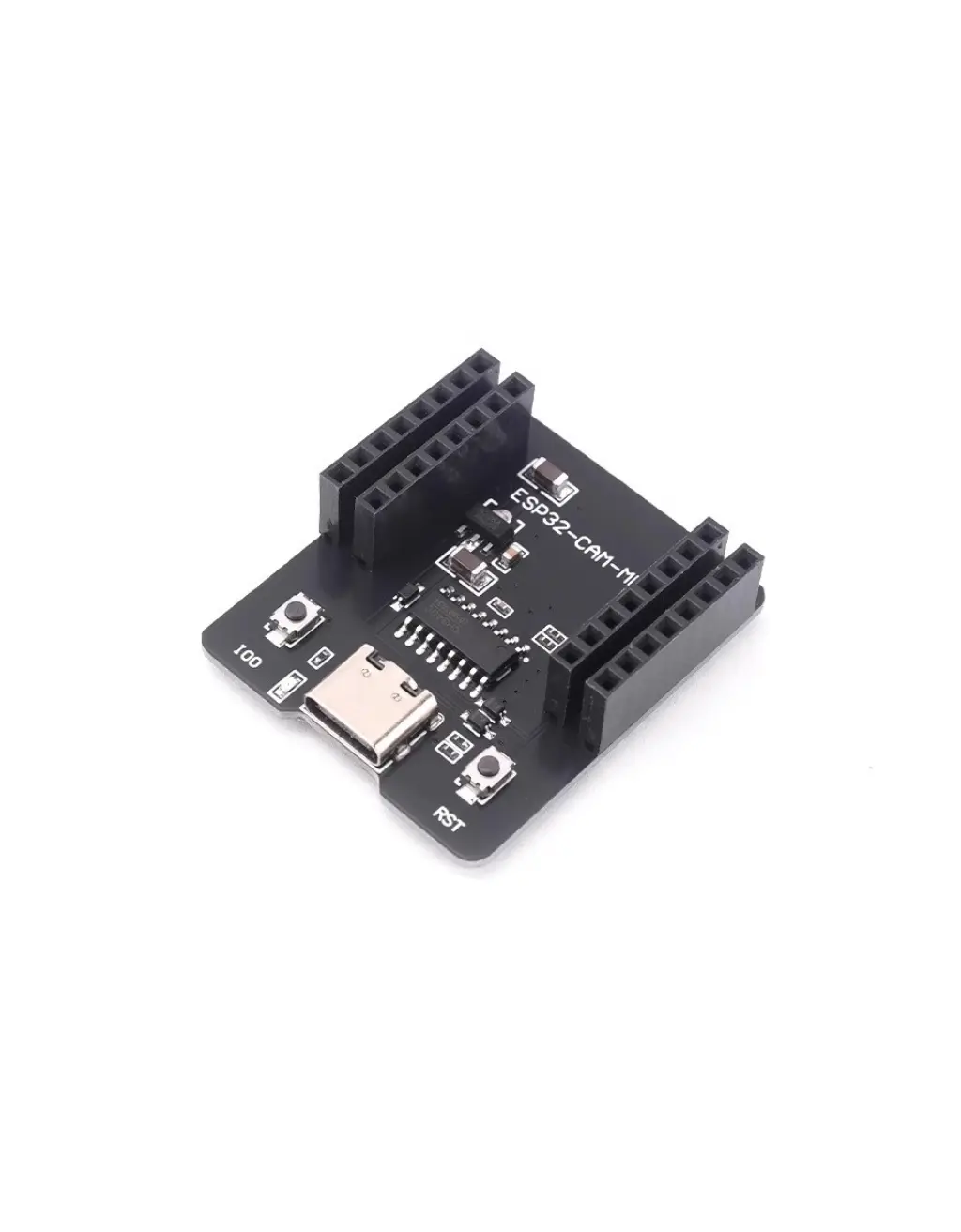
BUDGET CAMERA
ESP32-CAM With OV2640 + USB-C
Original ESP32 camera with OV2640 2MP sensor. More affordable entry point for basic WiFi camera projects where 3MP and AI acceleration are not needed.
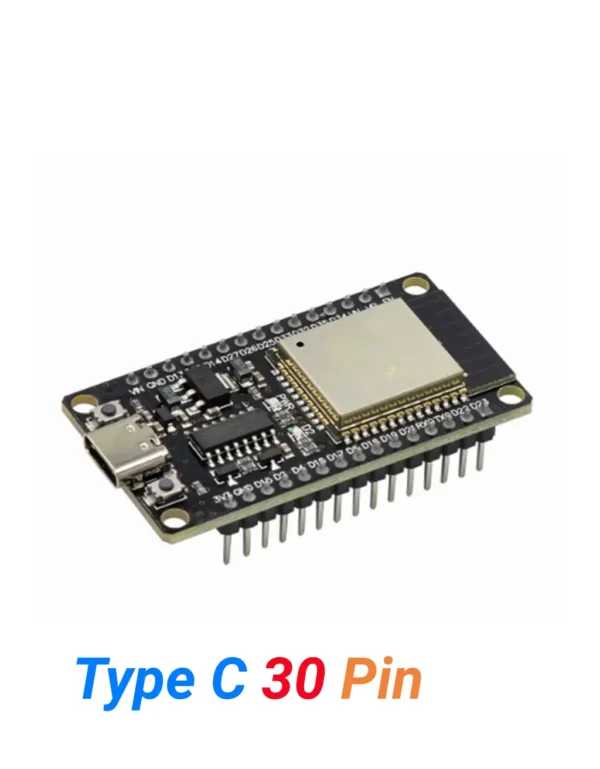
CLASSIC BT + WiFi
ESP32 Type-C 30-Pin
Need Classic Bluetooth (HC-05, A2DP audio, SPP serial)? Use this ESP32 alongside the S3 CAM. LX6 dual-core with full Classic BT + BLE 4.2.
🔌 Breadboard & Jumper Wires
🔌 Modules to Extend Your Camera Project
Add RFID card scanning to your face recognition access system for two-factor security
Unlock a door, trigger a siren, or cut power when face is recognised or motion detected
Trigger camera capture when someone breaks the IR beam — great for trail cameras
Display face recognition results, IP address, and system status on a compact I2C screen
Add temperature and humidity overlay to camera stream for environment monitoring
Detect approach distance — trigger camera capture when someone gets within range
📌 Arduino Boards for Companion Controller
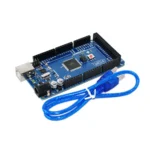
Arduino Mega 2560
Many GPIO for complex robot builds that use S3 CAM for vision and Mega for control
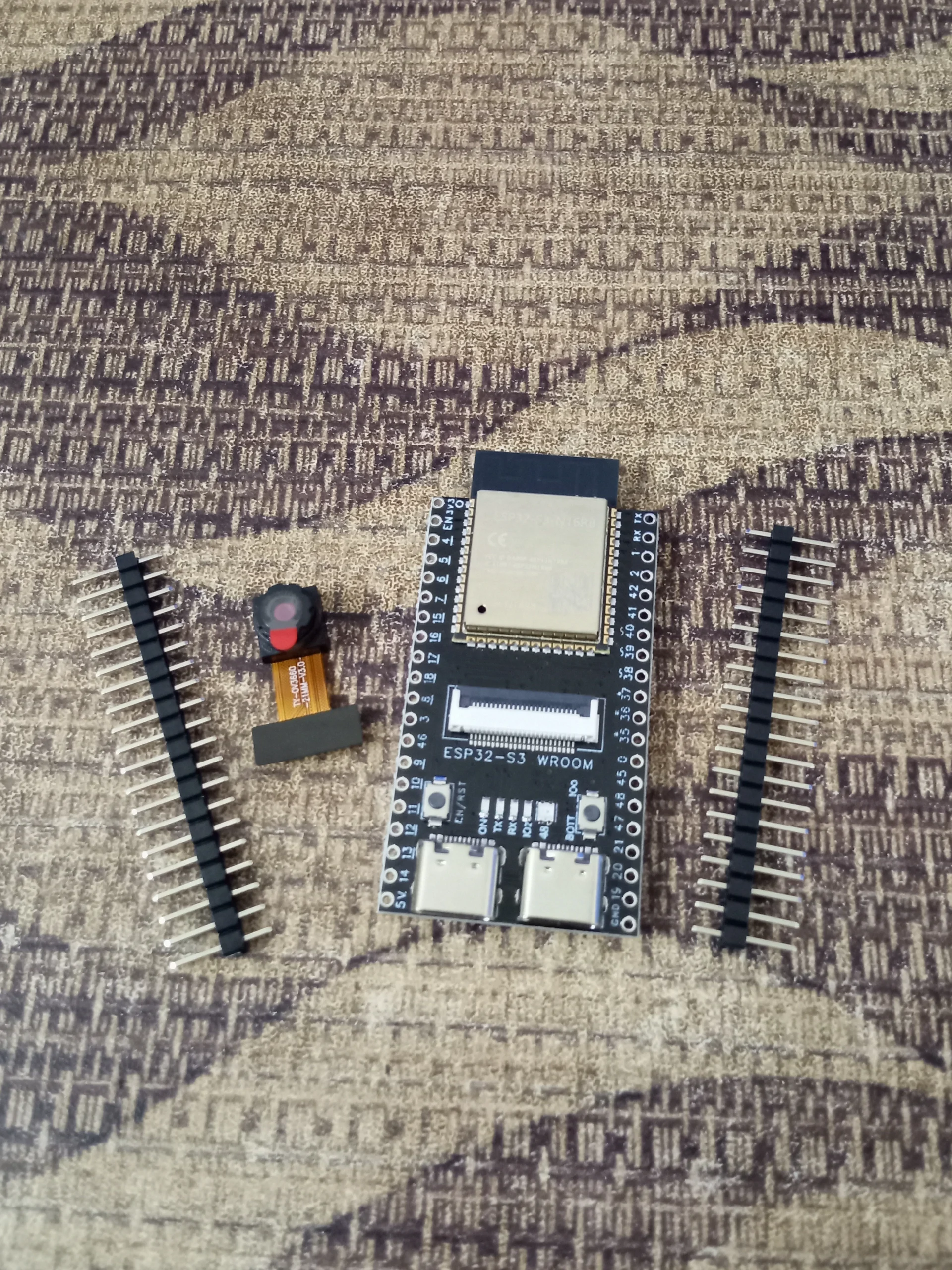
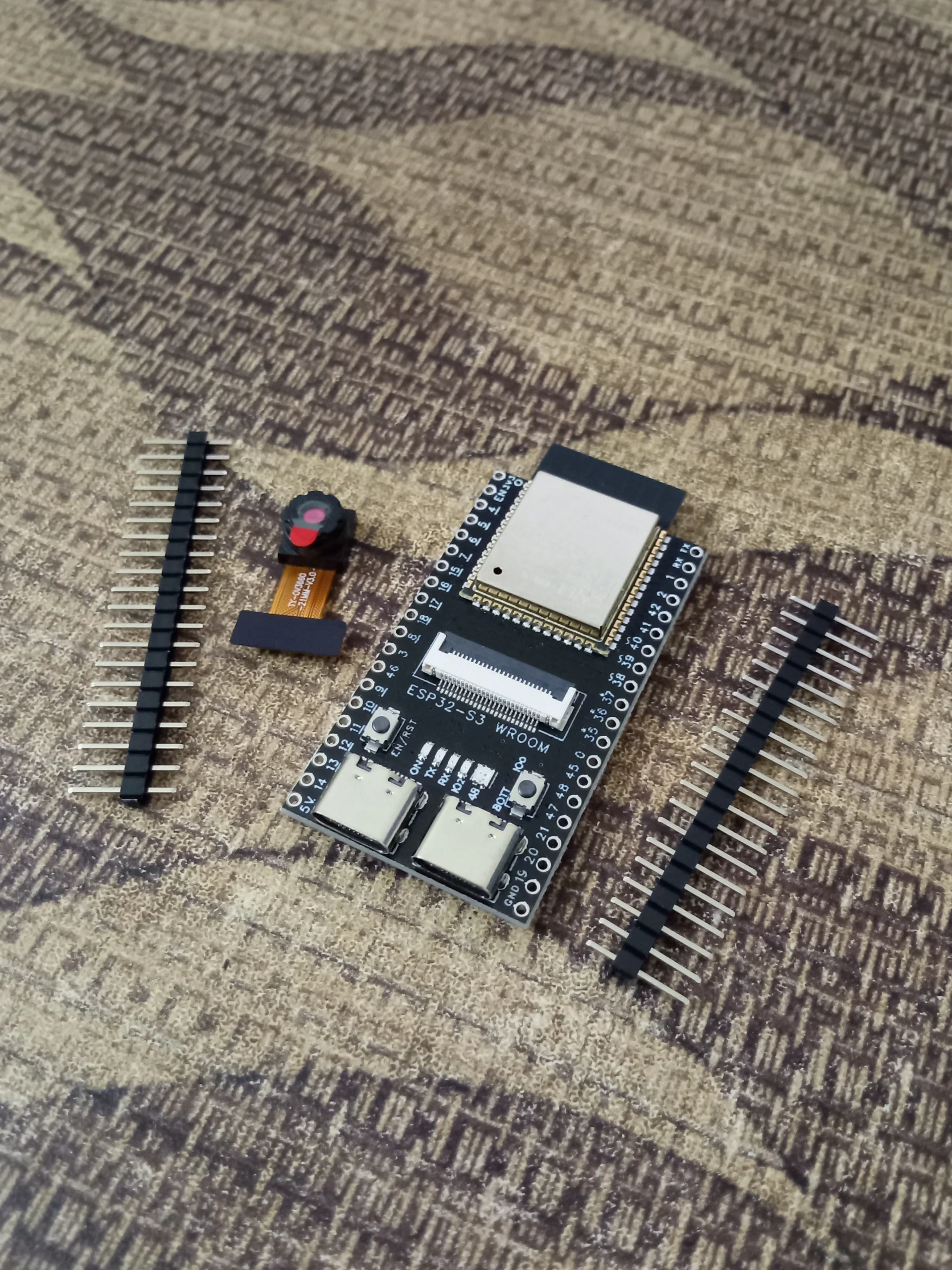
📦 Package Includes
1 × ESP32-S3 N16R8 CAM Development Board with OV3660 Camera
USB-C cable not included. MicroSD card not included. OV3660 camera pre-installed on the board. Check board schematic for exact GPIO pin assignments.
💬 ESP32-S3 CAM Price in BD — Why Buy From Dream RC?
The ESP32-S3 CAM with OV3660 price in Bangladesh is 1549 BDT from Dream RC — the most trusted source for ESP32 and development boards in Bangladesh. You get the full ESP32-S3 N16R8 with 16MB Flash, 8MB OPI PSRAM, OV3660 3MP camera, WiFi 4, BLE 5.0, Native USB OTG (no driver needed), and AI vector acceleration for face detection. Order with Cash on Delivery to any district in Bangladesh.
Need the board without camera? ESP32-S3 N16R8 → Budget camera option? ESP32-CAM OV2640 →
Pay after receiving
Pre-installed 3MP
69 BDT — 24 hrs
129 BDT — 24–72 hrs
Reviews
There are no reviews yet.